"Add AI" is not a plan. At SaleForgers we start from the work a team repeats every day and ask a narrower question: which of these steps are repetitive, checkable and safe to hand to software?
For online sellers, these five usually come first.
1. Customer queries
Where is my order, can I return this, is it in stock. These questions arrive all day and the answers live in your order and inventory data. An assistant connected to that data can answer most of them instantly and hand the rest to a person, or to WhatsApp, with the context attached.
Keep a person in the loop for refunds, complaints and anything that needs judgement.
2. Order triage across channels
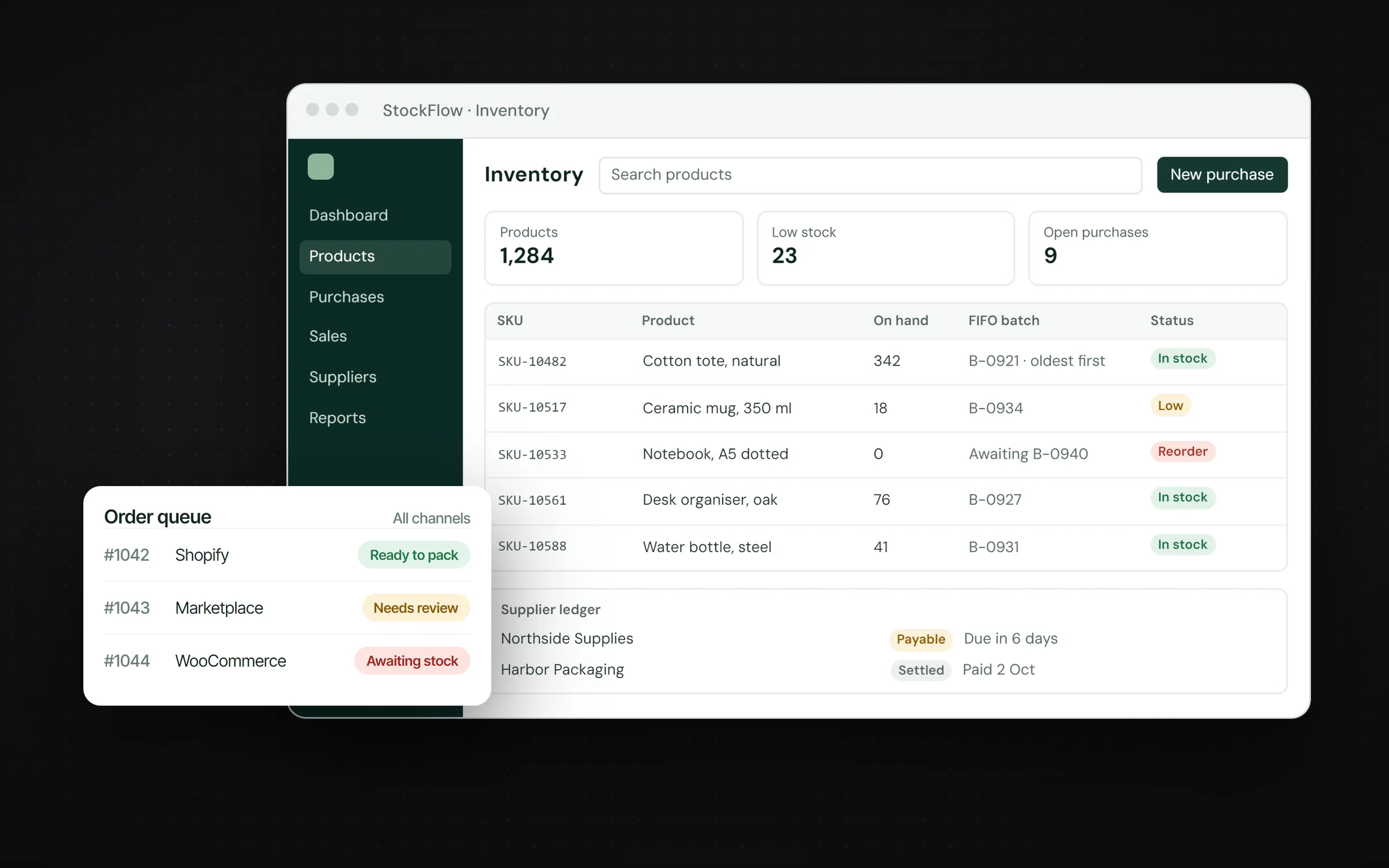
When orders come from Shopify, WooCommerce and marketplaces, someone has to decide what is ready to pack, what needs review and what is waiting on stock. Those states are rules plus a little judgement, which makes them a good fit for automation. A single queue that labels each order saves the morning scramble.
3. Document and data extraction
Supplier invoices, purchase orders and delivery notes arrive as PDFs and photos. Models can read them and fill the fields in your system: supplier, items, quantities, prices. A person approves; nobody retypes.
4. Stock alerts and reorder suggestions
Low stock should never be a surprise. Simple rules catch most of it: alert when a product drops below a level, suggest a reorder quantity from recent sales, and flag batches that are getting old. This is not glamorous AI, but it is where a lot of money is saved.
5. Content and research
Product descriptions, listing copy and keyword research take hours. I built a YouTube SEO content generator that takes a keyword and returns SEO analysis, competitor videos, related keywords and content suggestions, using Gemini with live data collection. The same pattern works for product pages and marketplace listings.
How to pick the first workflow
Score each candidate on four things, from 1 to 5:
- Volume: how often it happens.
- Time: how long it takes a person each time.
- Cost of mistakes: what an error costs today.
- Checkability: how easy it is to verify the result.
Multiply them. The highest score is usually your first project. A workflow that is frequent, slow and easy to check is ideal. A workflow where mistakes are expensive and hard to spot should wait.
What the system looks like
A dependable automation has five parts:
- Access to your data: orders, stock and customer records, read through an API or the database.
- A model or rules: a language model for text, a vision model for images, or plain rules where they are enough.
- A review queue: anything uncertain goes to a person, with the context attached.
- Logging: every automated action recorded, so you can audit and improve it.
- Limits: clear boundaries on what the automation may do without approval.
Risks and how to manage them
- Wrong answers. Ground the assistant in your own data, and let it hand a question to the team instead of guessing.
- Privacy. Send models only what they need, and keep customer data in systems you control.
- Cost creep. Cache repeated answers, use smaller models for simple tasks and watch usage weekly.
Measuring success
Decide the measure before you build: hours saved per week, first-response time, error rate or orders processed per person. If the number does not move after a month, change the workflow or stop.
How to start without wasting money
- Measure the hours. Pick the workflow that costs the most time each week.
- Automate the smallest useful slice. One channel, one document type, one query type.
- Keep exceptions human. Automation handles the routine; people handle the rest.
- Expand only after it works. Then add the next workflow.
The point is not to look modern. It is to give your team its time back. If you want to find your first workflow, here is how I approach AI automation.